Your personal local vault for everything important

    Store IDs, cards, documents, and passwords securely on your device. Private by design. Your data never leaves your phone.


    Download on the App StoreGet it on Google Play
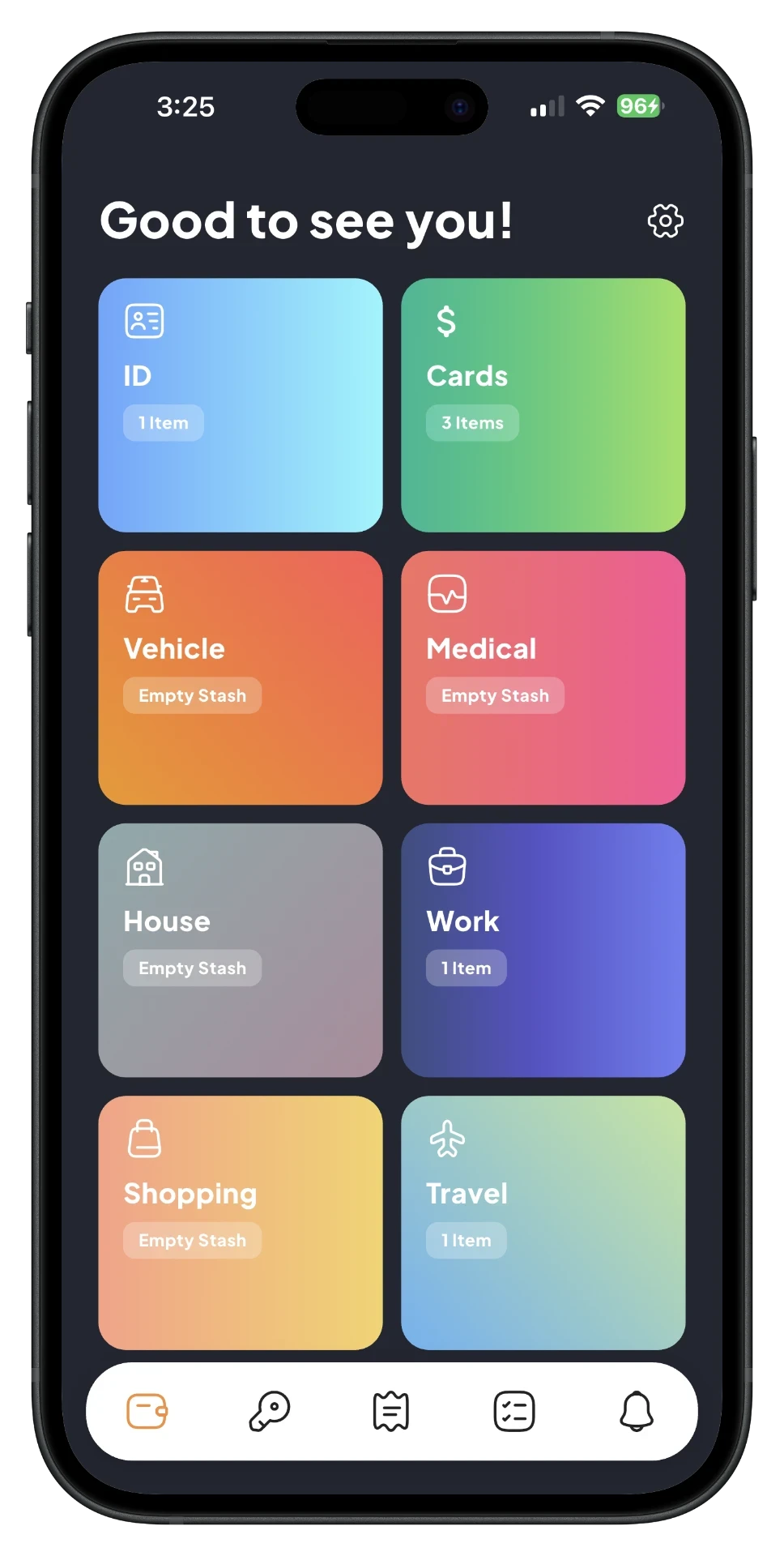
    SafePlus card detailSafePlus home dashboardSafePlus password detail

    Scan once, view & copy anytime

    Cards and documents are automatically organized into labeled fields. Key details are always ready to view and copy with a tap.

    Keep your driver's license, passport, and IDs ready the moment you need them.
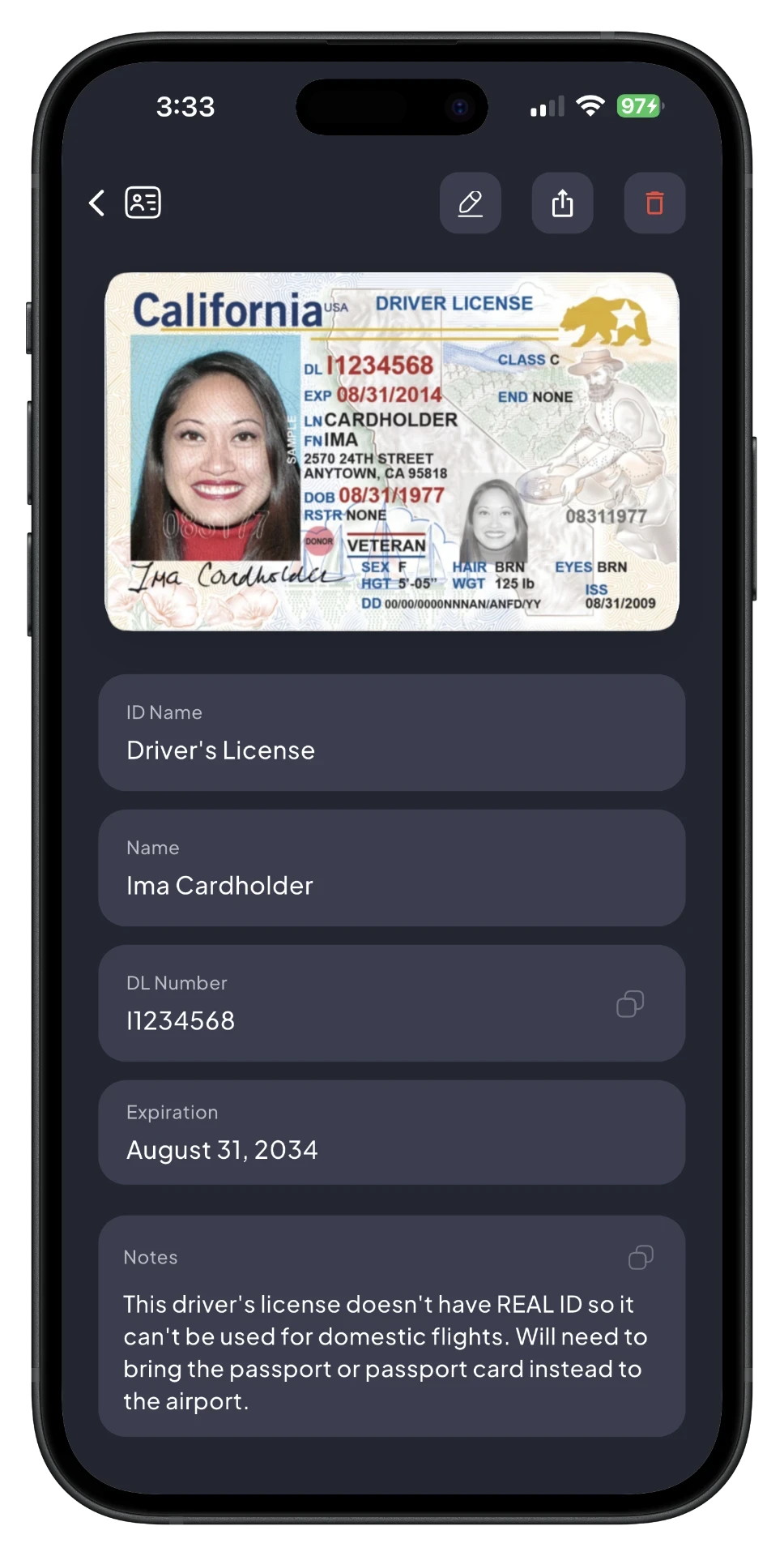
    SafePlus ID detail screen

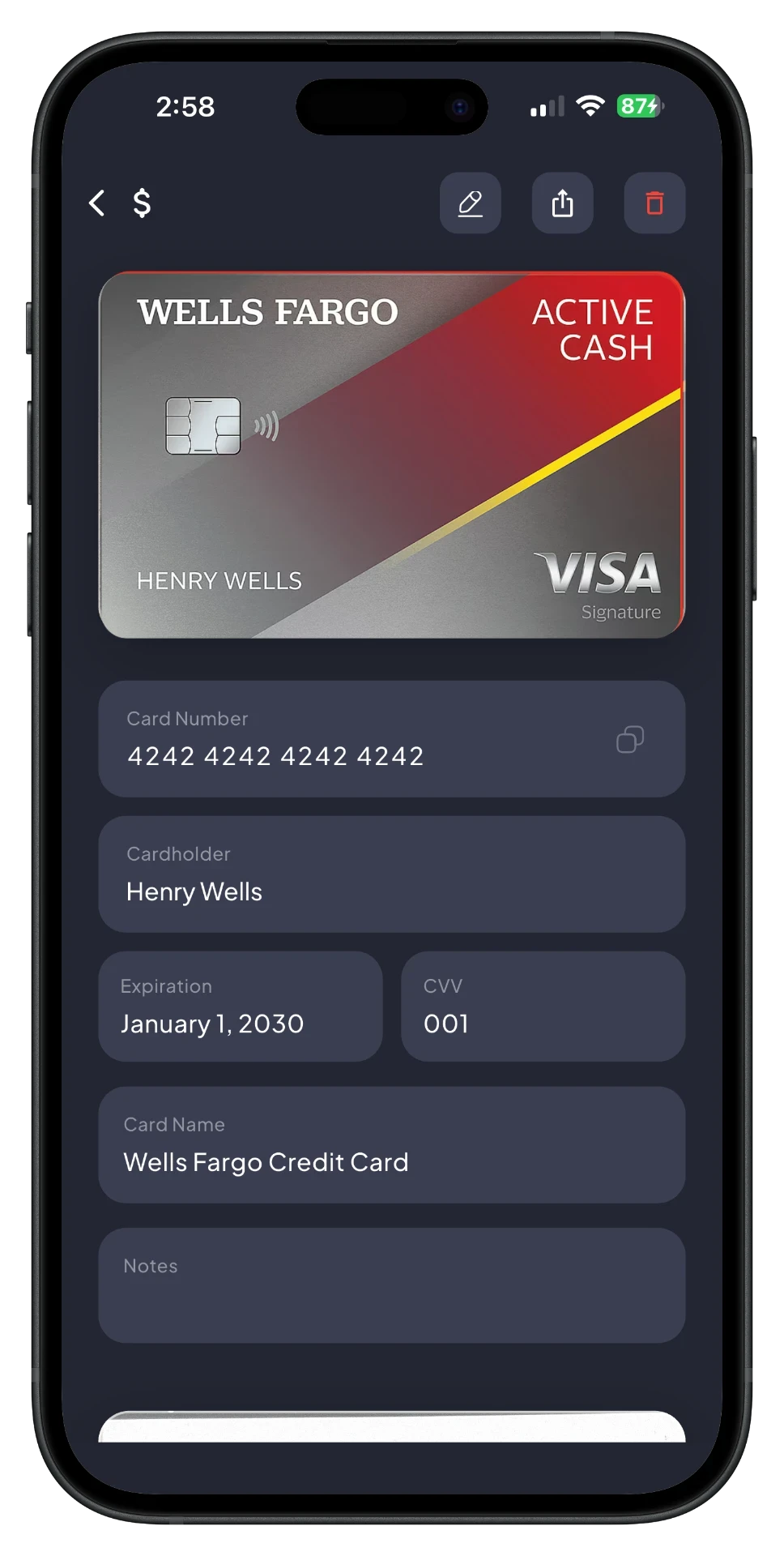
    View and copy details like card number and CVV.

    SafePlus card detail screen

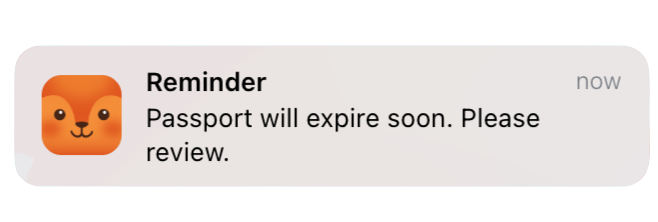
    Get alerted before a card or document expires.
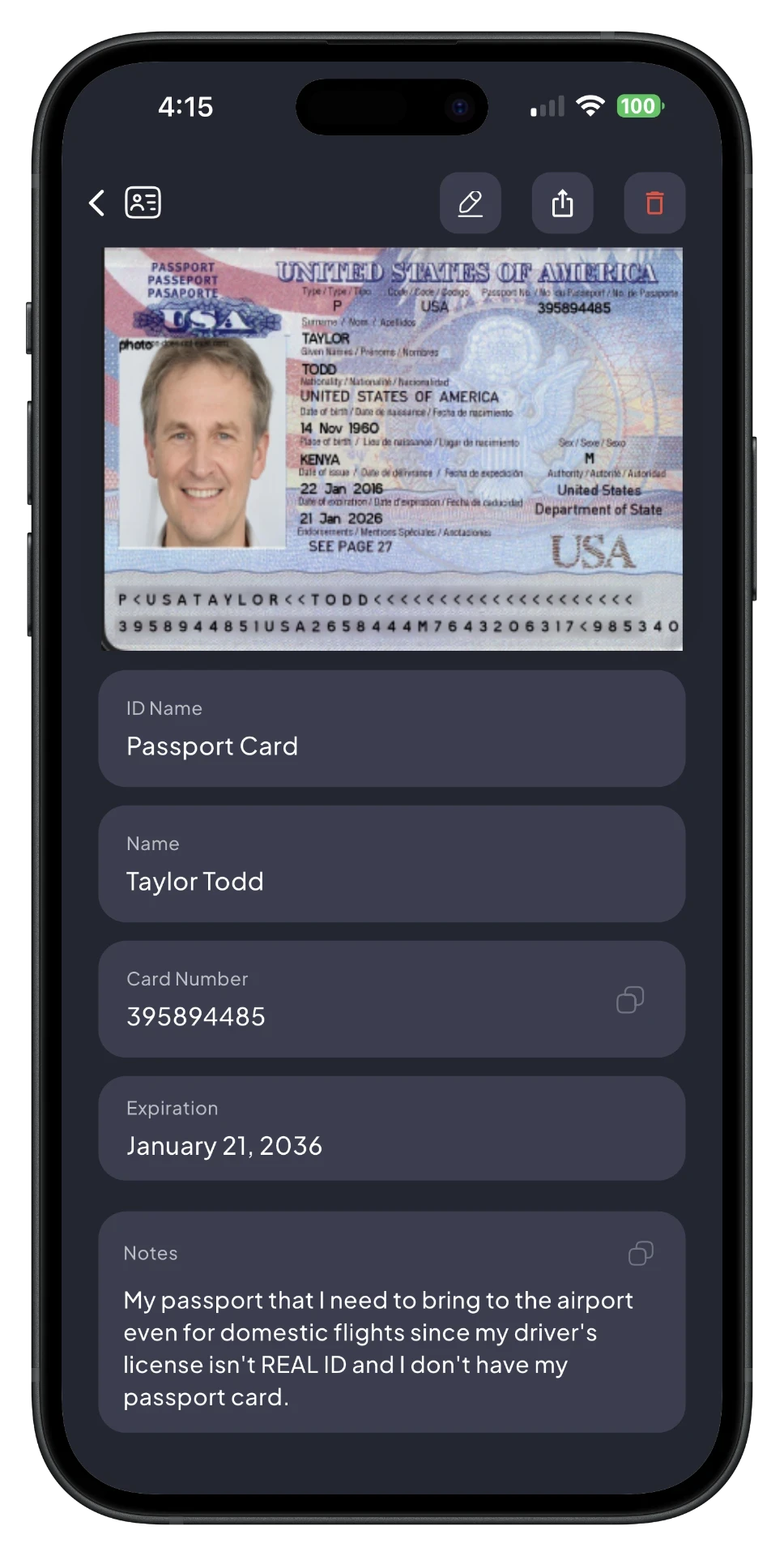
    SafePlus passport detail screenPassport expiry push notification

    No card or document left behind.

    Birth & Marriage Certificates
    Gift Cards
    Loyalty & Membership
    Receipts
    Vehicle Registration
    Health Documents
    Boarding Passes
    Coupons & Tickets
    Lease & Rental Documents
    Mortgage Documents

    Your local password manager

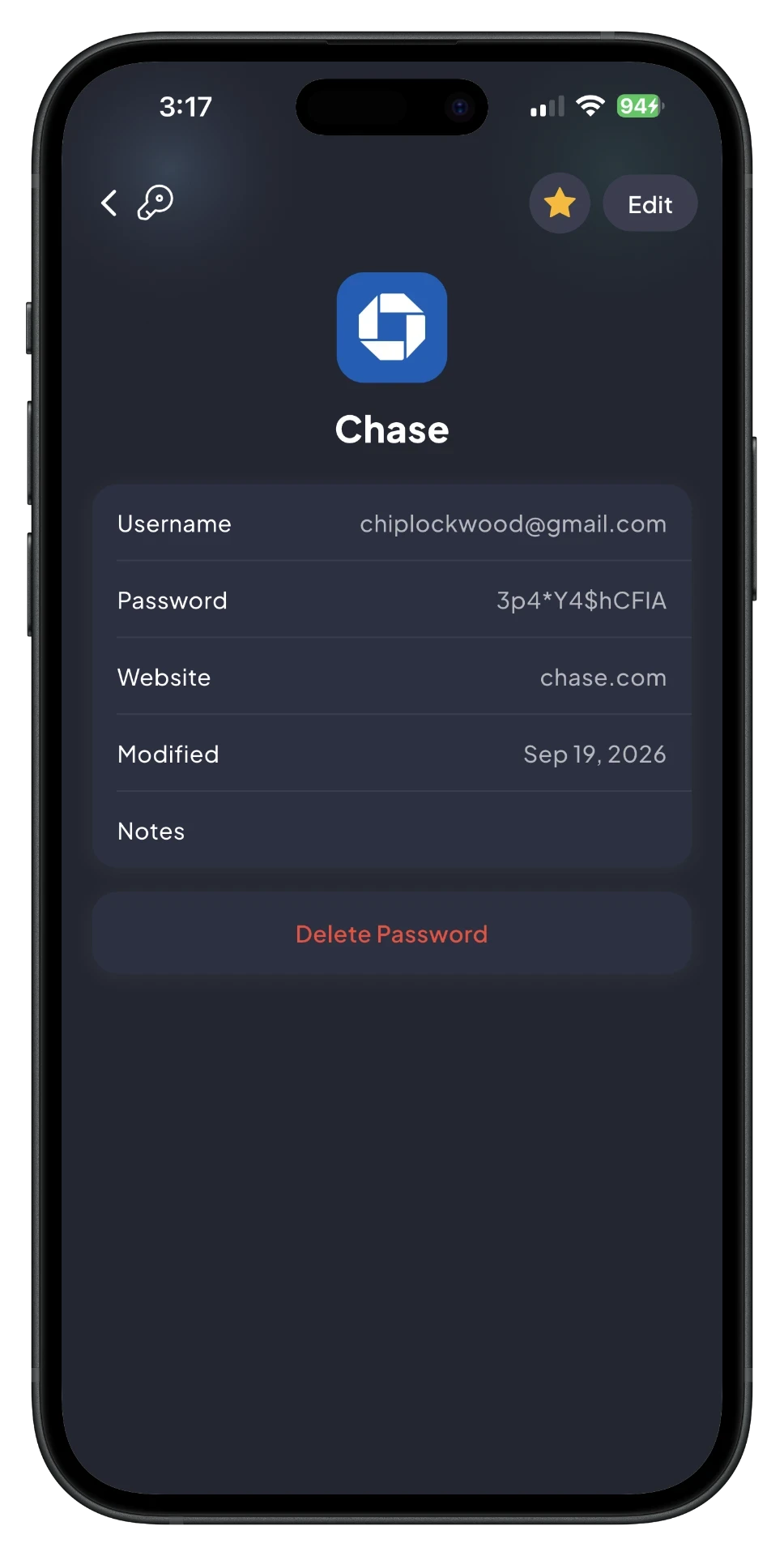
    Store each login with its corresponding username, password, and website, along with optional notes for additional details.
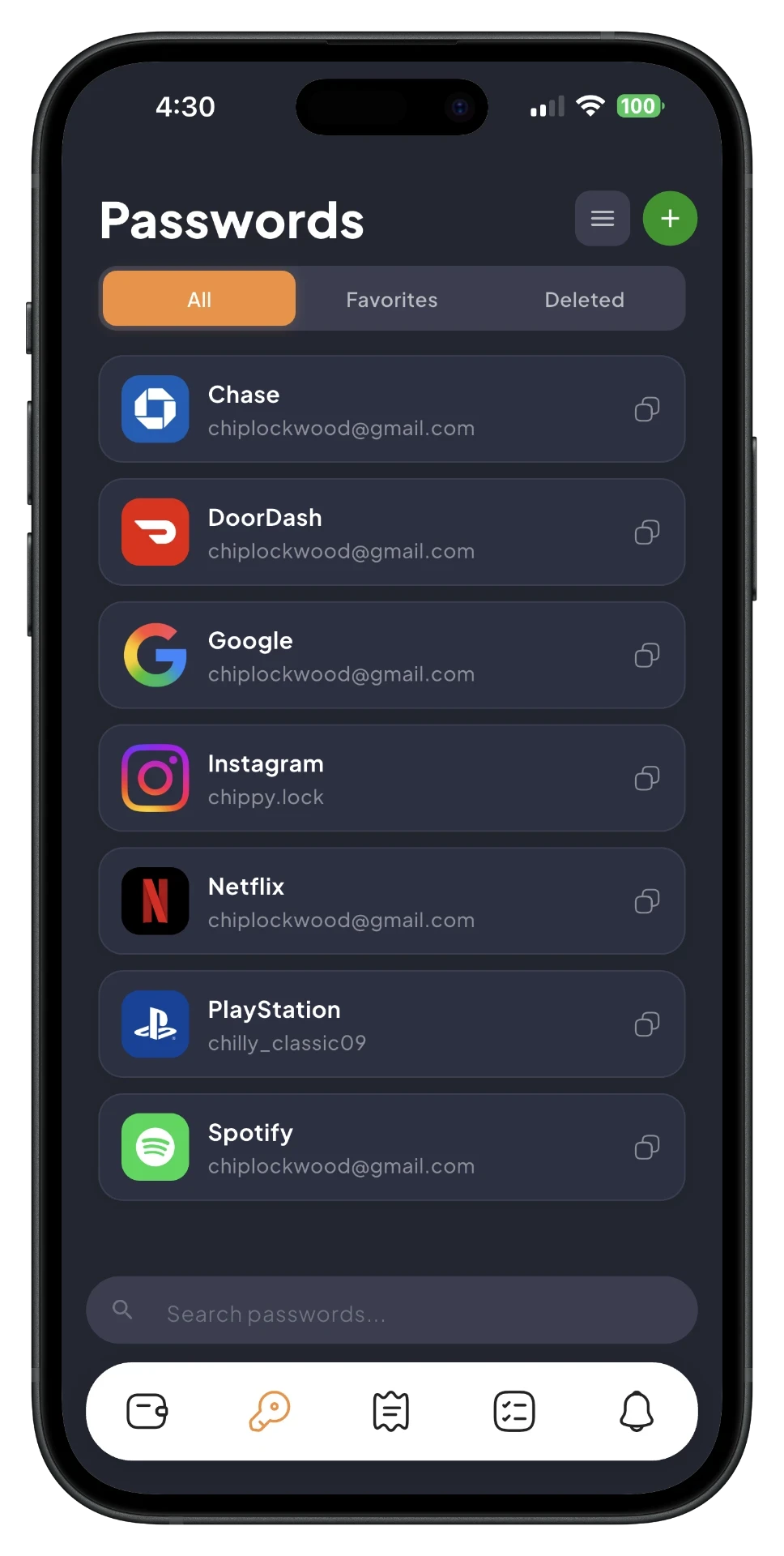
    SafePlus password detail screen
    SafePlus passwords screen

    Search, favorite, and pull up any password in seconds. Your passwords never leave your phone.

    Store more than just passwords.

    TSA PreCheck / KTN
    Wi-Fi Passwords
    Recovery Codes
    Safe Combinations
    Gate & Door Codes
    Apartment & Building Codes

    There's more in the vault

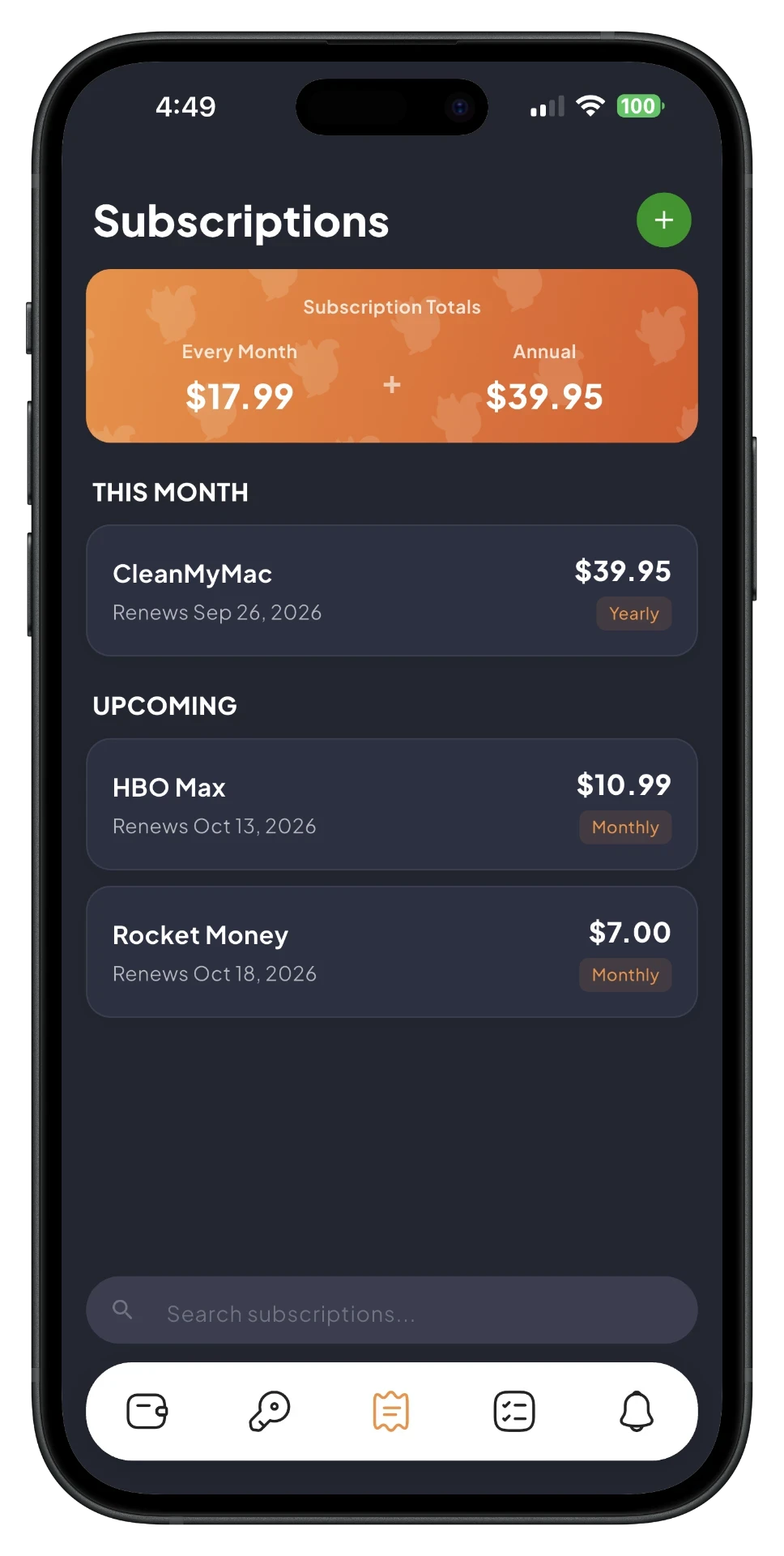
    SafePlus subscriptions screen

    Subscriptions

    Know what's renewing, what it costs, and which card takes the hit, with your monthly and annual spend totaled up automatically.

    Tasks

    Create a task and get a push notification when it's due. Set your own reminder schedule for anything you don't want to forget.
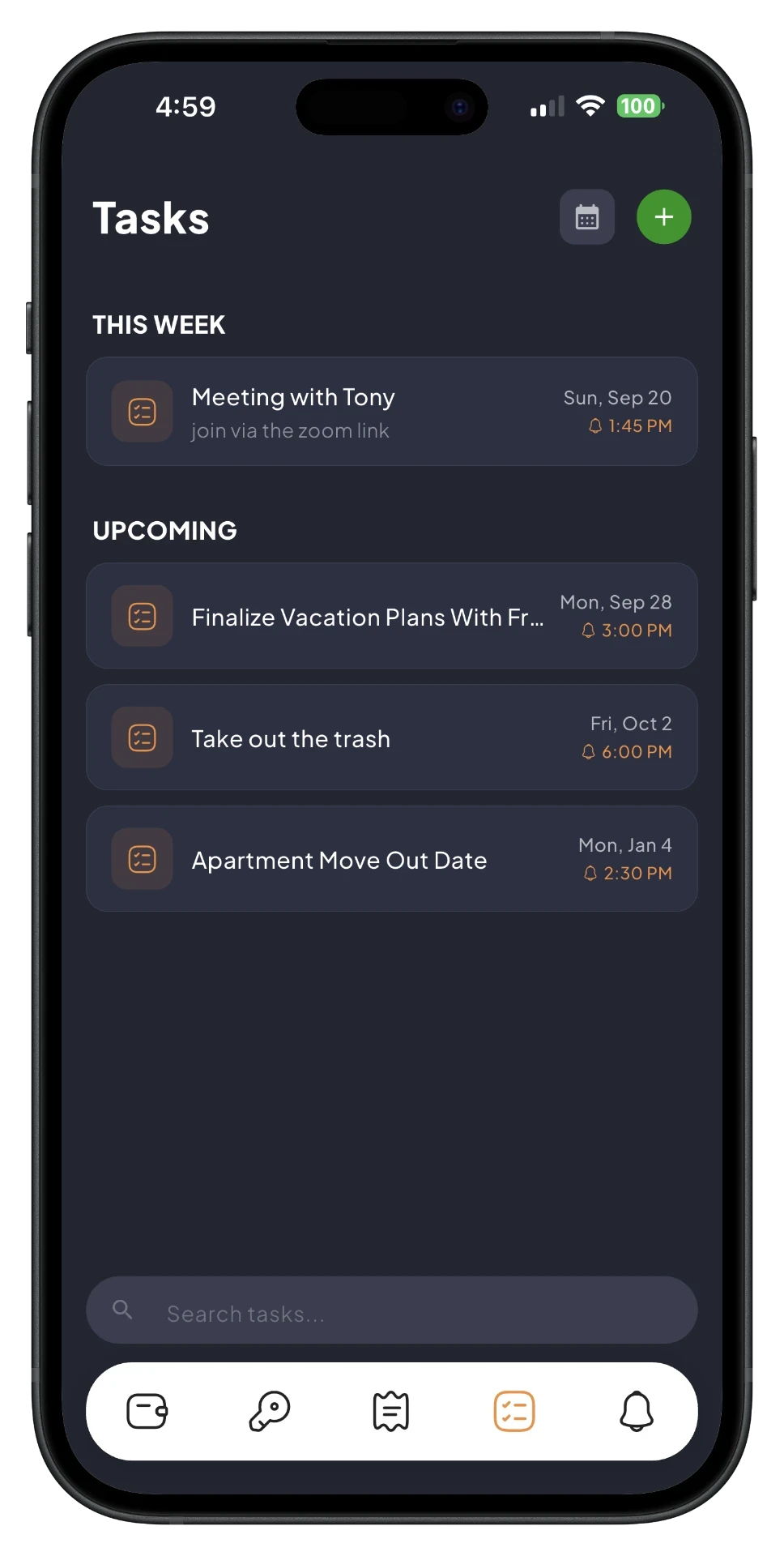
    SafePlus tasks screen

    Download with Confidence

    Only you can access your data, never SafePlus. Nothing is stored on servers or the cloud, and no account or email is required.

    App access requires facial recognition, fingerprint, or PIN.

    AES-256 on-device encryption protects your stored data.
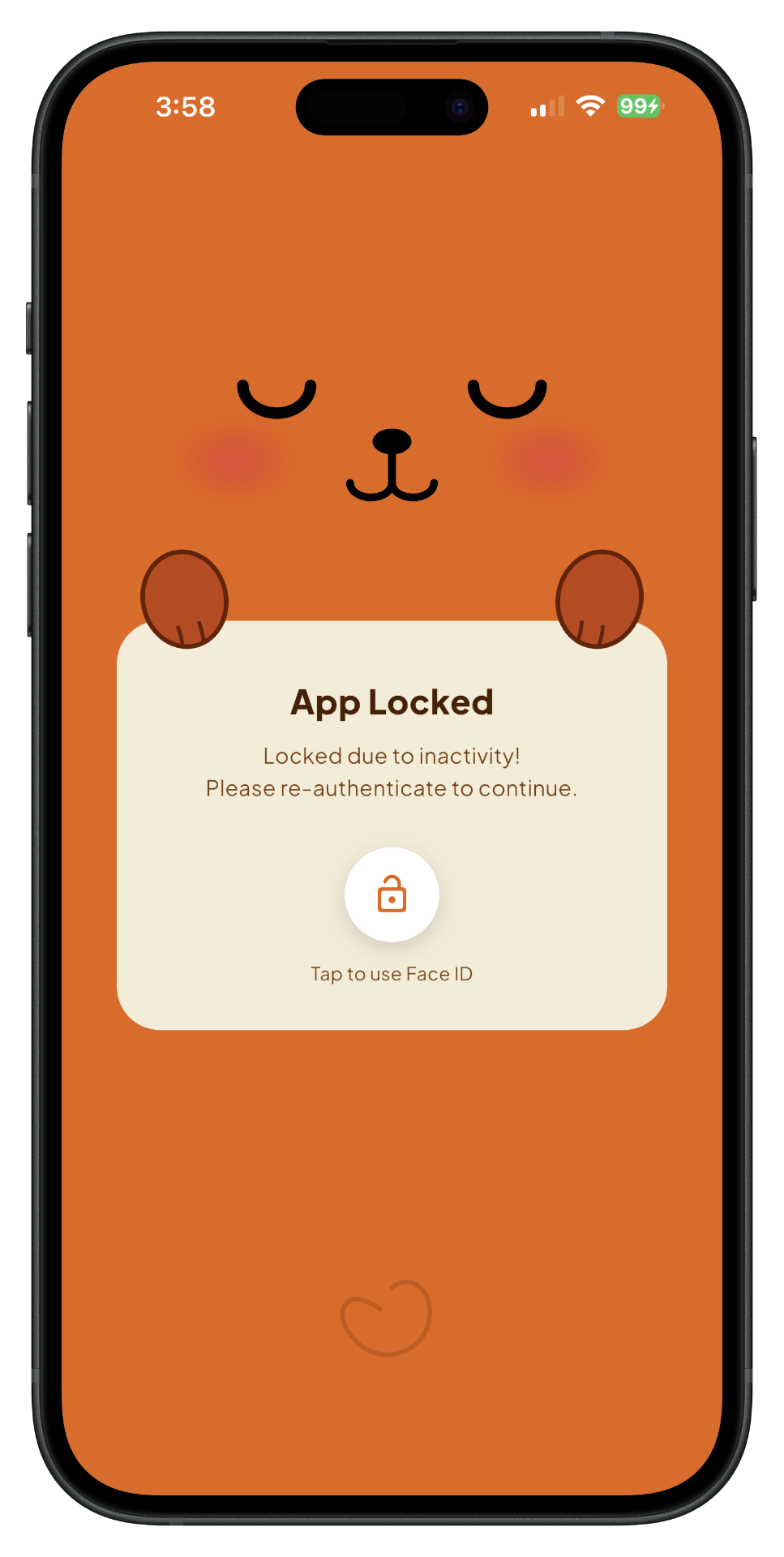
    SafePlus app locked screen

    Automatically locks after a period of inactivity that you can adjust.

    Frequently Asked Questions

    Yes. SafePlus is completely free to use with no restrictions on storing cards, documents, and passwords. There are no subscriptions, paywalls, or ads.

    SafePlus supports iPhone, iPad, Android phones, and Android tablets. SafePlus is available to download for free on the App Store and Google Play Store.

    Everything you store in SafePlus stays on your device and is encrypted with AES-256. The same standard is trusted to protect classified government data. Nothing is ever uploaded to a server or the cloud, and SafePlus doesn't require an account or email, so there's no copy of your information living anywhere but on your phone. Not even we can see it.

    Yes. When you scan or add a card or document, SafePlus automatically reads its expiration date. You can also manually configure when you want to receive a push notification to remind you.

    You can store driver's licenses, IDs, passports, credit & debit cards, loyalty & membership cards, receipts, boarding passes, and more. Essentially, any card or document can be scanned and stored in SafePlus.

    Most wallet apps sync your data to the cloud and focus mainly on payment cards and passes. SafePlus is different on both fronts. It stores everything, including cards, IDs, documents, and passwords. Each one is encrypted on your device, with no account and no cloud, so there's no copy of your data anywhere but your phone. It's also smarter; SafePlus scans your cards and documents to display key fields automatically. The app is also completely free. No subscriptions, paywalls, or ads.

    Take SafePlus with you,
    wherever you go

    Your cards, documents, and passwords stay secure and instantly accessible on iOS and Android.

    Download on the App Store
    Get it on Google Play